The timeline records every vehicle handoff.
The shop and DSP can review proposed pickup, confirmed pickup, arrival at the shop, and expected return. Each update stays with the repair record.

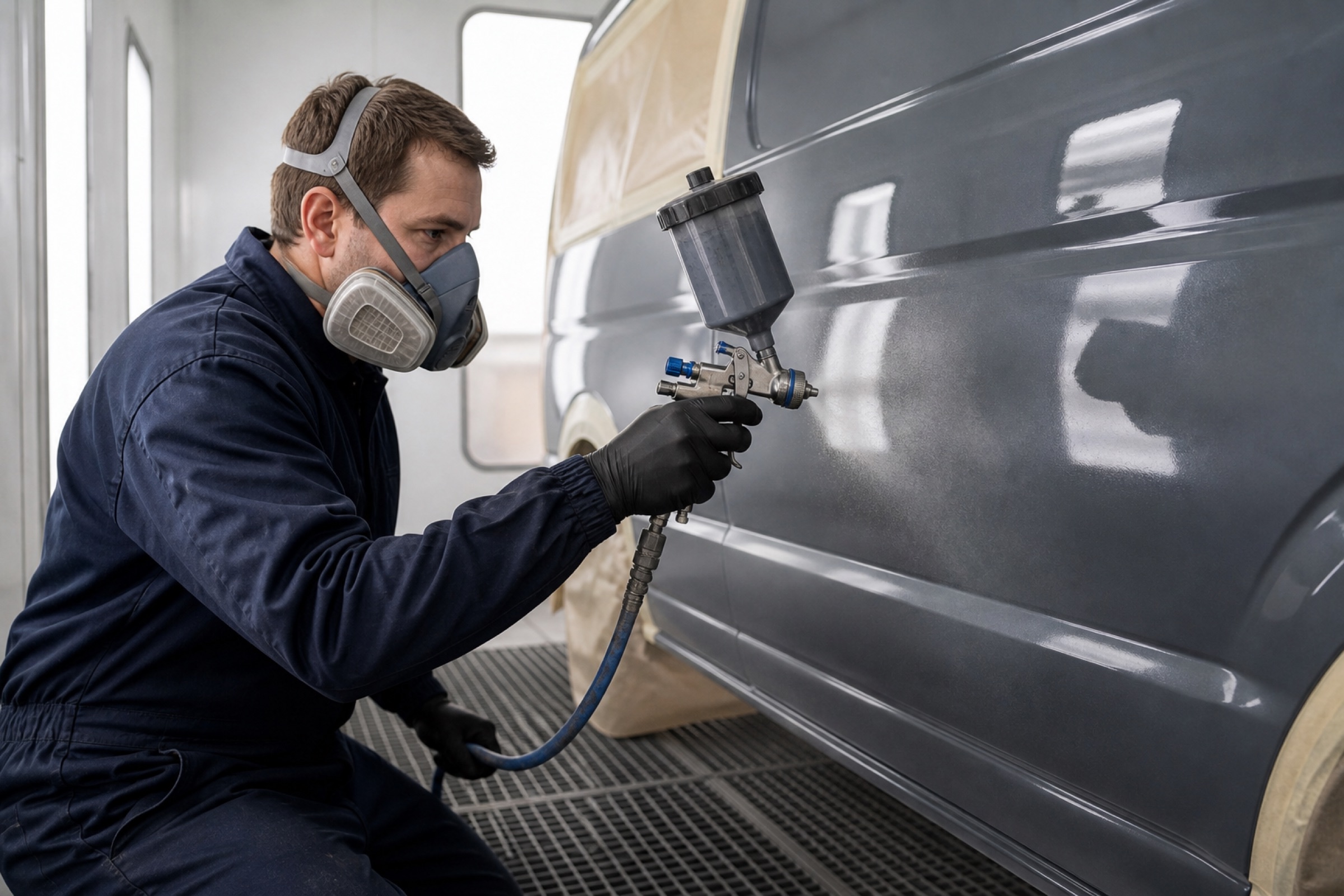
For national-account vendors and preferred repair shops
DFS helps route documented safety defects from your fleet customers to your team proactively. Vehicle details, findings, and photos support assessment and scheduling. Shared updates keep your team and the customer informed throughout the repair.
DFS supports established national-account and preferred-vendor relationships by helping safety findings reach the designated provider sooner. Your team diagnoses the problem, confirms the work, and performs the repair. DFS helps both sides follow the next step with less chasing for details and updates.
Mechanical coordination follows the fleet’s designated provider arrangements. The optional body-repair quote comparison described below is a separate workflow.
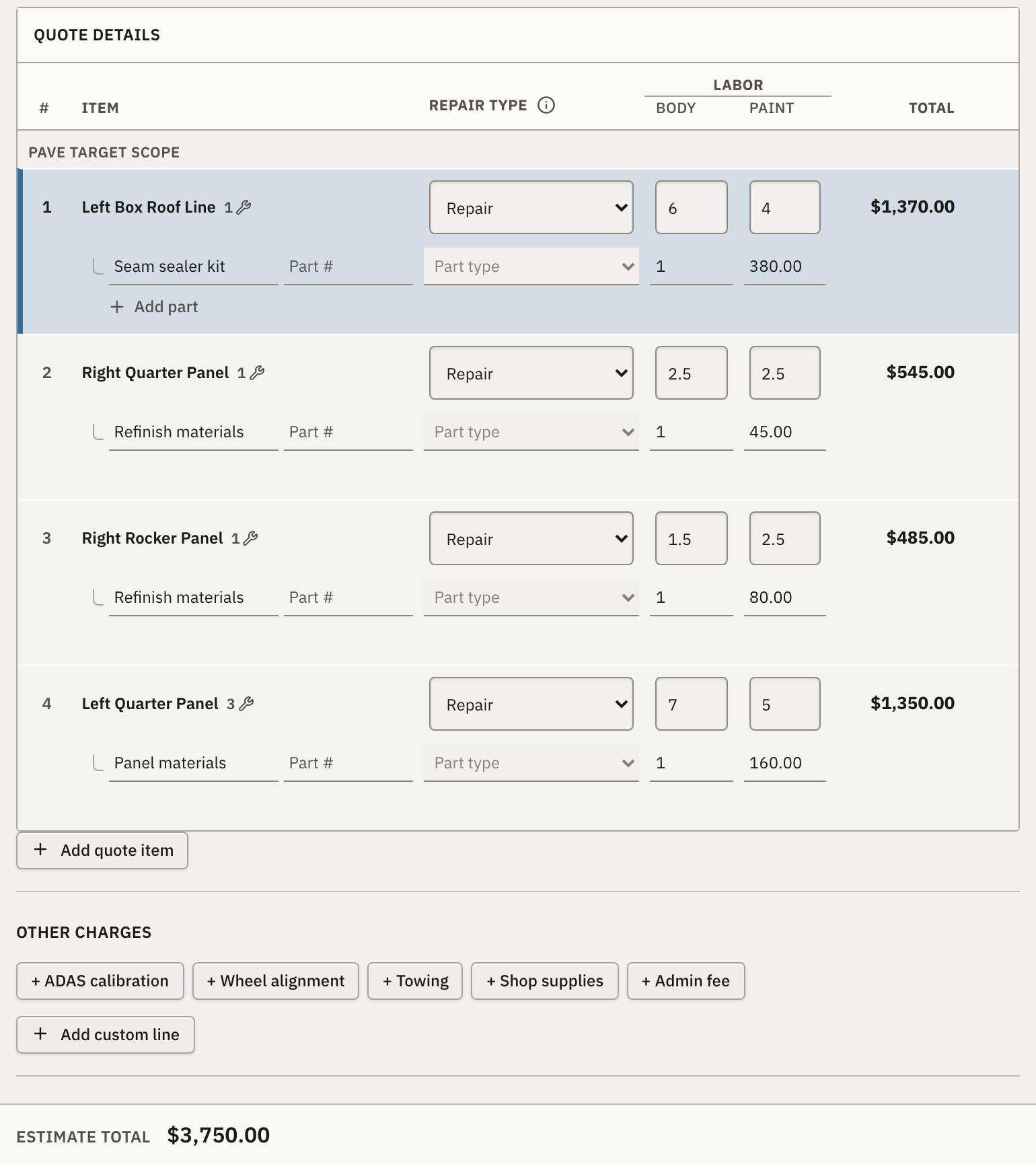
The request includes vehicle components, damage types, severity, photos, and the repairs selected by the DSP. Your service writer prices each line, enters the expected repair days, and submits the shop amount. If the requested condition grade cannot be reached, your writer can explain the issue before sending a quote.

Quote builder
The quote builder keeps the requested repair lines in front of your writer. The DSP sees your shop amount, the applicable Nova Fora platform fee, and the invoice total before accepting the repair.
Mechanical work orders
Mechanical work orders include DVIC+ inspection details, photos, and RUSH priority. Your team can accept and schedule the repair or decline it with a reason. After the work is finished, the shop adds completion details and photos for DSP approval.

The shop and DSP can review proposed pickup, confirmed pickup, arrival at the shop, and expected return. Each update stays with the repair record.
If the shop finds additional work, it sends the details to the DSP for approval. The approved change becomes part of the job record.
The shop sees the amount it quoted and can follow the job through completion. Nova Fora handles the DSP’s platform and processing charges separately.
Repair evidence and timing remain available for review with your fleet customer. The scorecard includes a historical 96-hour completion rate and overall score; repair timing depends on the work and circumstances.
Talk to our team