Your repair shop can conduct the inspection.
Shop staff or an authorized member of your fleet team can record findings, photos, and mileage. Drivers can also report a problem through Slack without completing a full inspection.

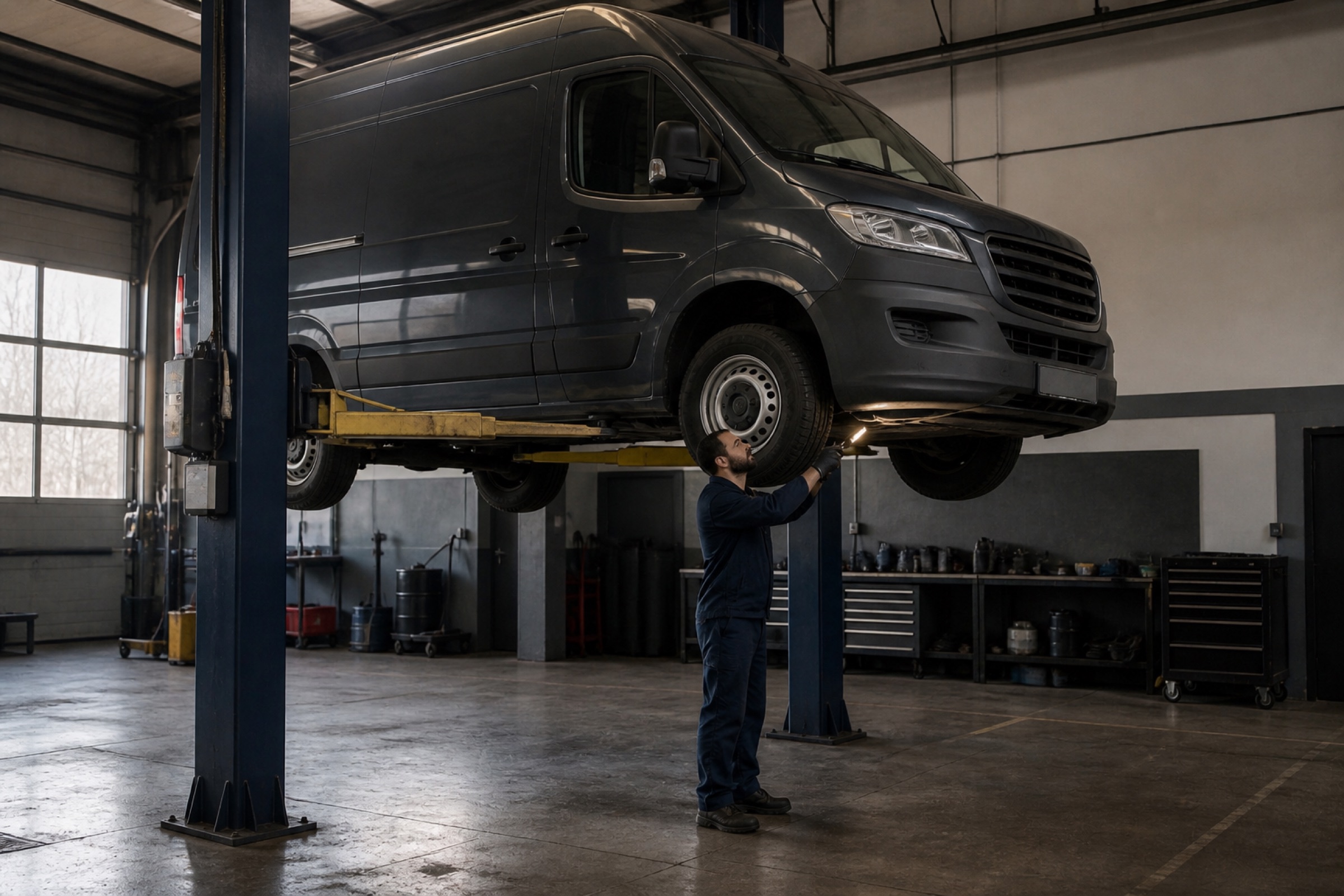
Coordination with your established repair providers
DFS helps identify and document safety defects and route them to your designated national-account vendor or preferred repair shop. Your provider supplies the diagnosis and repair; DFS keeps the fleet and provider informed, with clear findings, status, and next steps.

Marcus’s fleet / A fictional fleet story
Before leaving the depot, Tasha notices a grinding noise when she brakes. She parks safely and reports it through Roger in the fleet’s Slack channel. Marcus, her fleet manager, arranges another van and keeps this one off the road pending assessment.
Roger captures the symptoms and van number. Marcus sends the repair record to the fleet’s designated repair shop. The shop accepts the work, and Marcus arranges for the van to be transported there.
The report says what Tasha heard. The shop’s inspection supplies the diagnosis: a failing brake caliper.
Read Tasha’s report below ↓A van number, a description, and a photo in your fleet’s Slack channel can become a repair record. Roger, our automatic issue-reporting assistant for Slack, picks up the report, asks for missing details, and records it in Nova Fora so DFS and your fleet team can follow up.
Roger keeps the driver’s description, mileage, and photos with the van number, so the shop starts from the original report.
Roger does not diagnose the problem. Your repair shop inspects the van, confirms the cause, and documents the work it needs.
See Roger in actionRoger is included with Nova Basic.
Drivers, fleet managers, inspectors, and shops each see the information they need for their work. Everyone uses the same mobile website in English or Spanish. There is no app to install.
Shop staff or an authorized member of your fleet team can record findings, photos, and mileage. Drivers can also report a problem through Slack without completing a full inspection.
The finding shows the photo, reporter, vehicle, and repair details together. Roger captures reports from Slack and passes the details into Nova Fora for review.
The fleet manager combines related mechanical items in one work order. The assigned shop receives the inspection details and photos with it.
The shop accepts and schedules the work or declines it with a reason. A RUSH flag keeps a route-critical van at the top of the shop’s queue.
The shop adds repair details and completion photos to the work order. The DSP reviews that evidence before approving the job.
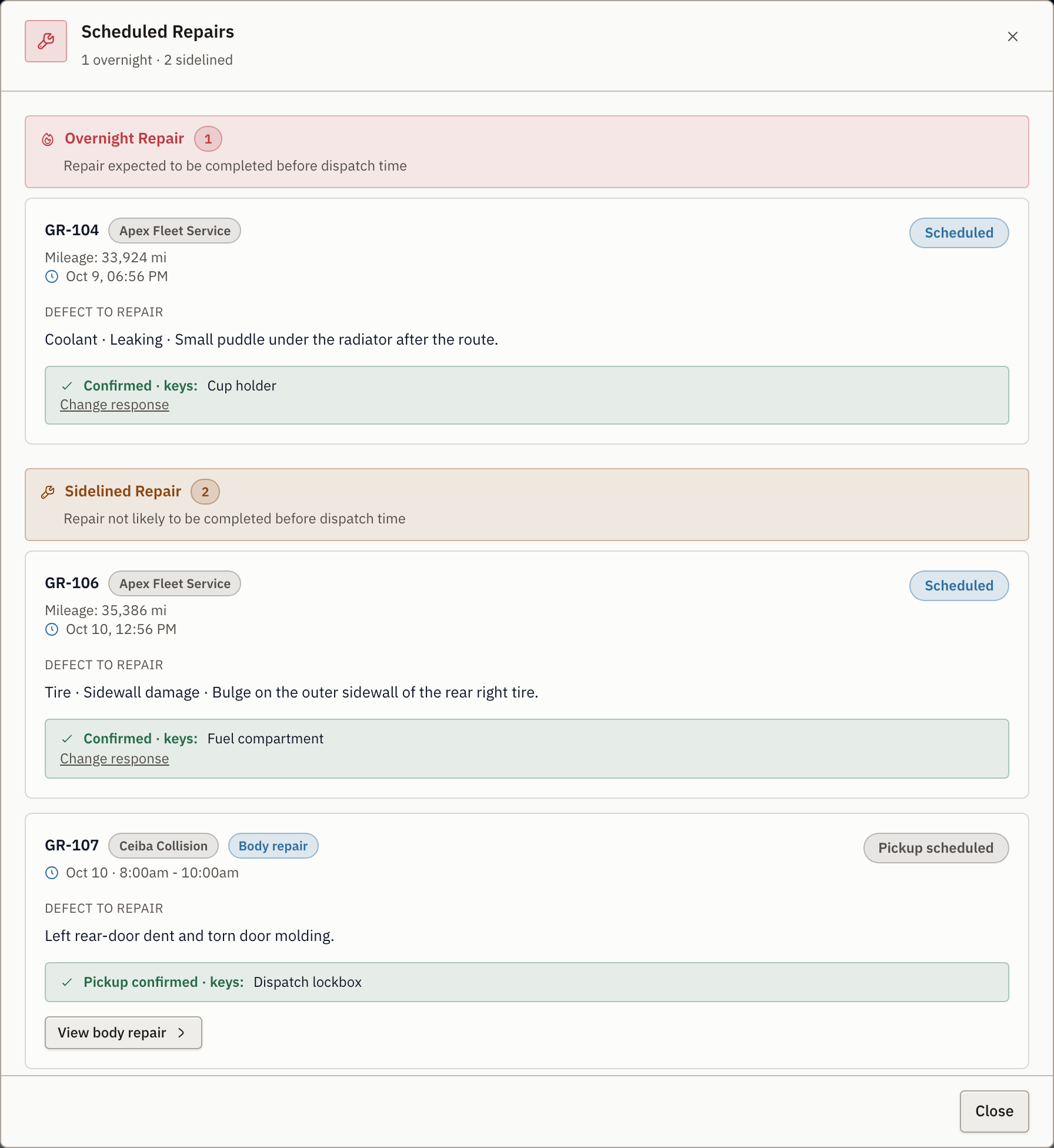 The fleet confirms every repair that is ready.
Repair queue
The repair queue shows which work is waiting for a response, accepted, underway, ready for completion evidence, or awaiting DSP approval. The fleet manager sees the full repair operation, while each shop sees its assigned work and files.
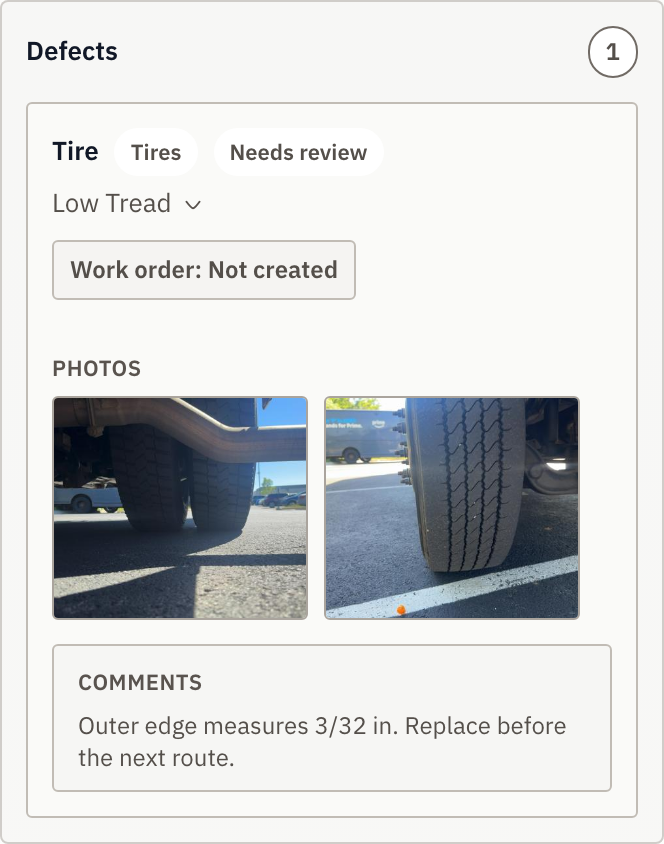



Marcus’s repair record / From report to return
The shop confirms a failing caliper and explains the required repair. With the work approved and the part available, the shop replaces the caliper, checks the braking system, and documents the completed work.
Tasha’s report through Roger gives Marcus the symptoms, mileage, and van number. He arranges route coverage and transport to the fleet’s preferred shop.
The shop inspects the van, identifies the failing caliper, and confirms the repair and expected return with Marcus.
The shop completes its checks and records the repair. Marcus reviews the completion evidence, approves the job, and receives the van back for its next assignment.
Shop performance
Nova Fora records completed work and repair timing so your team can review the history with its provider. The scorecard includes an overall score, customer satisfaction, and the share of work completed within 96 hours.
The 96-hour figure is a historical measure, not a turnaround promise. Diagnosis, parts, approvals, and shop availability affect repair timing.

Bring your fleet’s next mechanical repair into one clear workflow.
Talk to DFS about mechanical repairsMechanical tools included
Nova Basic includes the Nova Body workspace, DVIC+ inspections, work orders, repair status, automatic issue reporting from Slack with Roger, and coordination with your preferred and national-account vendors. DFS uses these tools to help your team follow a repair from the first report through completion.
Ask about Nova BasicThe plan costs $199 per month after the trial. You can cancel through the billing portal.
Mobile web in English and Spanish