
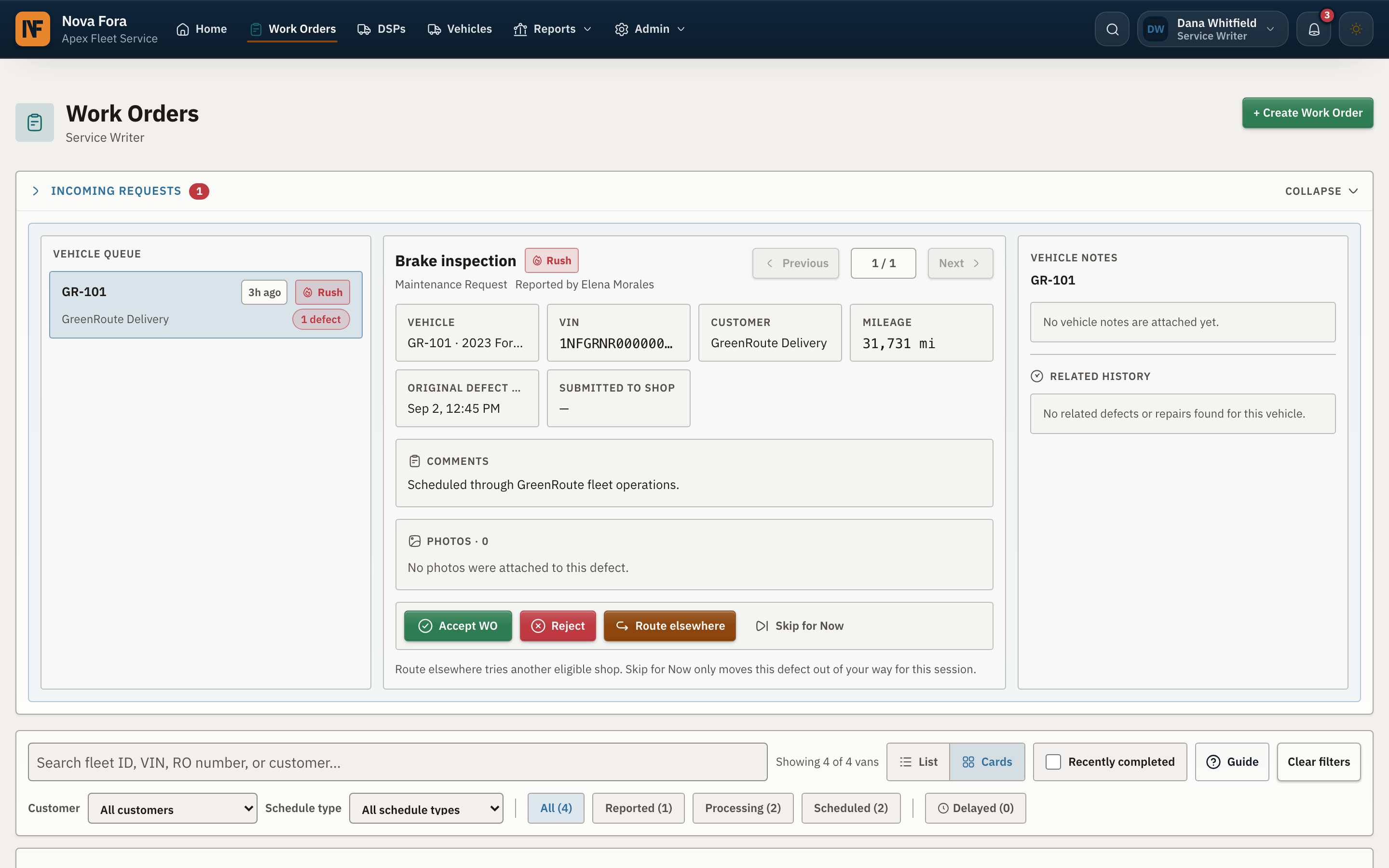
The timeline records every vehicle handoff.
The shop and DSP can review proposed pickup, confirmed pickup, arrival at the shop, and expected return. Each update stays with the repair record.
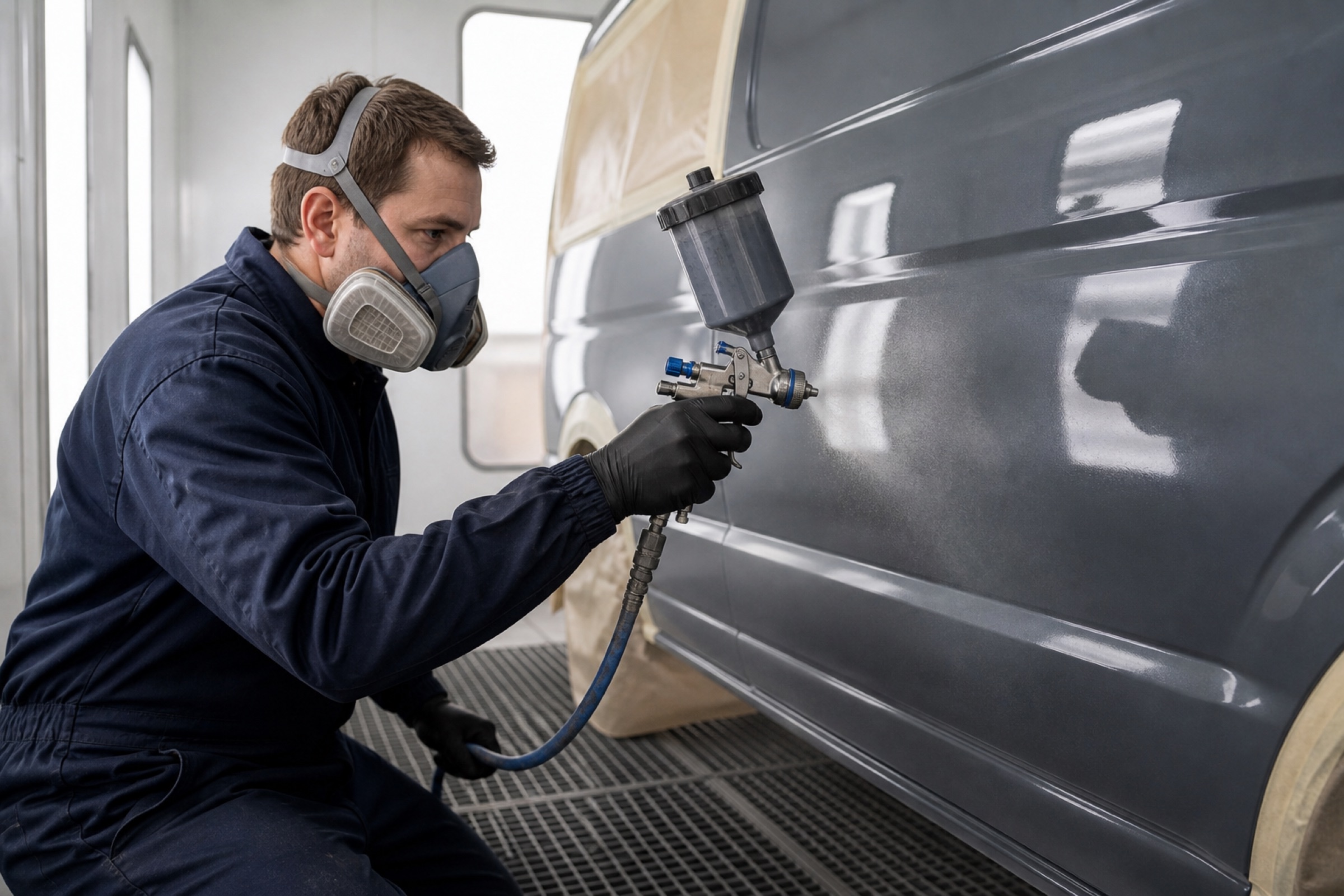
Tools for body and mechanical repair shops
Body repair requests arrive with the selected repair lines and damage photos, so your team can build an accurate quote. Mechanical work orders include the inspection evidence and priority before you accept. Nova Fora keeps approvals, completion evidence, payment, and shop performance attached to each job.
The request includes vehicle components, damage types, severity, photos, and the repairs selected by the DSP. Your service writer prices each line, enters the expected repair days, and submits the shop amount. If the requested condition grade cannot be reached, your writer can explain the issue before sending a quote.
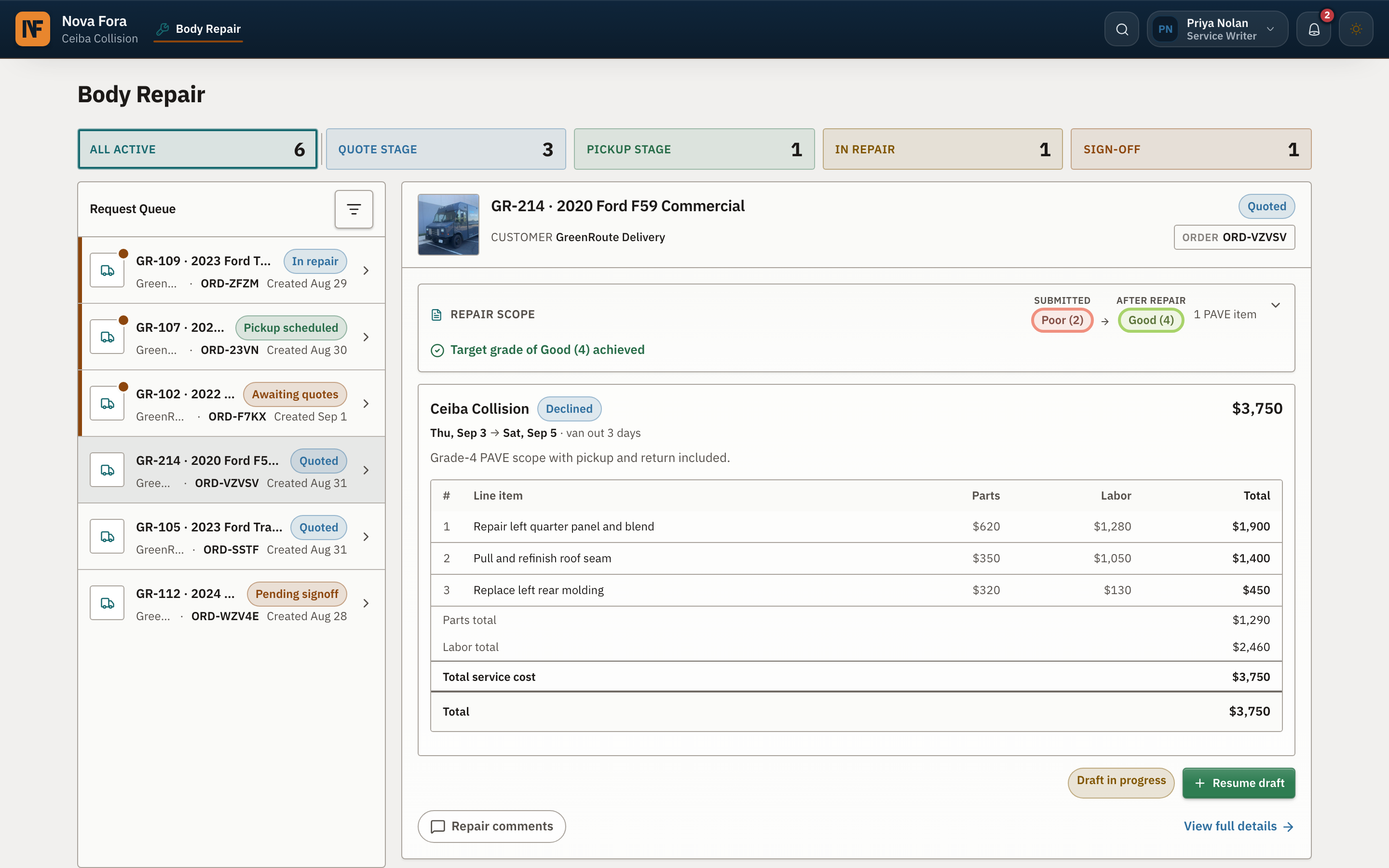
Quote builder
The quote builder keeps the requested repair lines in front of your writer. The DSP sees your shop amount, the applicable Nova Fora platform fee, and the invoice total before accepting the repair.
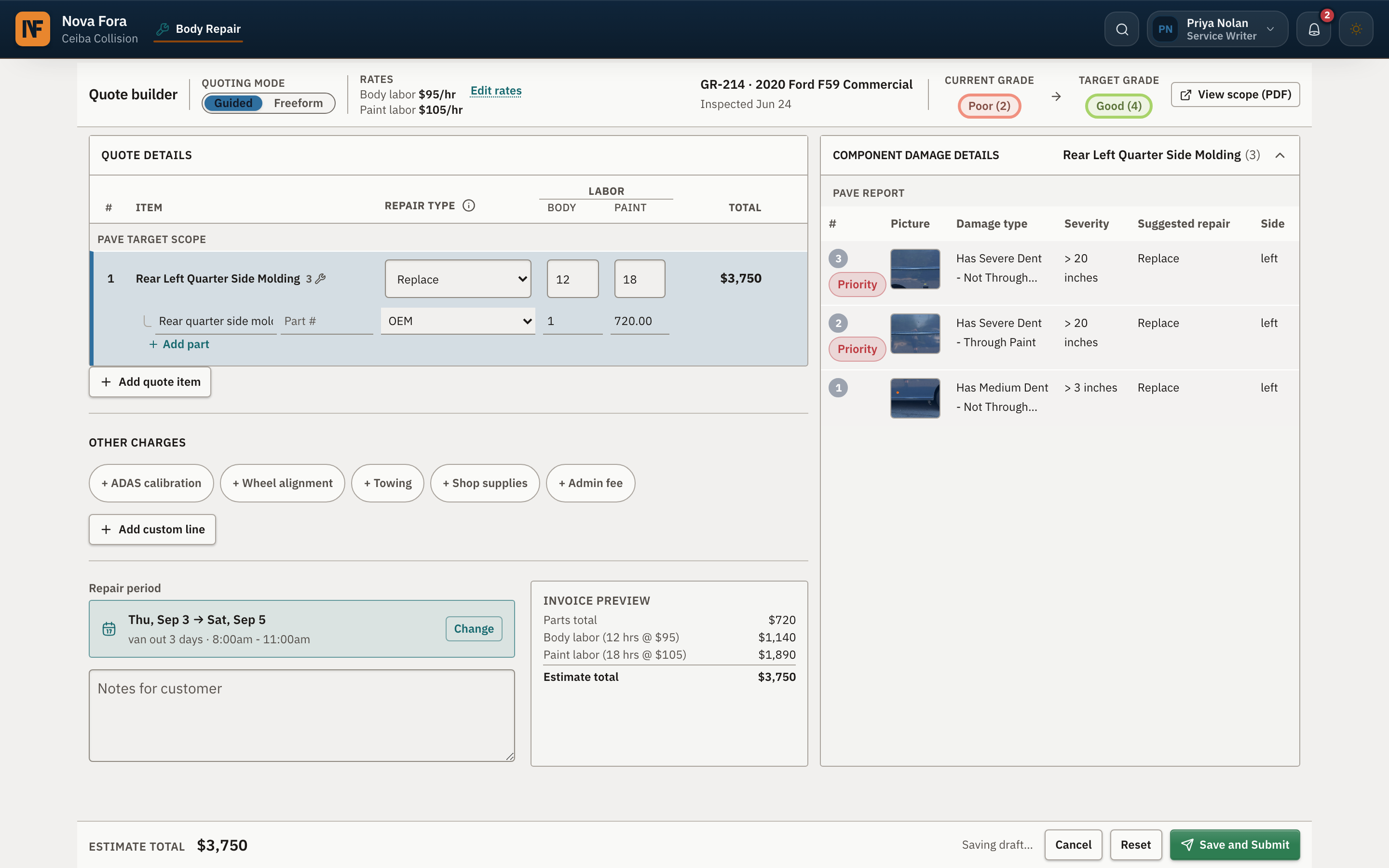
Mechanical work orders
Mechanical work orders include DVIC+ inspection details, photos, and RUSH priority. Your team can accept and schedule the repair or decline it with a reason. After the work is finished, the shop adds completion details and photos for DSP approval.
The shop and DSP can review proposed pickup, confirmed pickup, arrival at the shop, and expected return. Each update stays with the repair record.
If the shop finds additional work, it sends the details to the DSP for approval. The approved change becomes part of the job record.
The shop sees the amount it quoted and can follow the job through completion. Nova Fora handles the DSP’s platform and processing charges separately.
Nova Fora tracks each shop’s 96-hour mechanical completion rate, repair evidence, and overall score. DSPs can use those results when assigning future work.
Talk to our team