
Your repair shop can conduct the inspection.
Shop staff or an authorized member of your fleet team can record findings, photos, and mileage. Drivers can also report a problem through Slack without completing a full inspection.
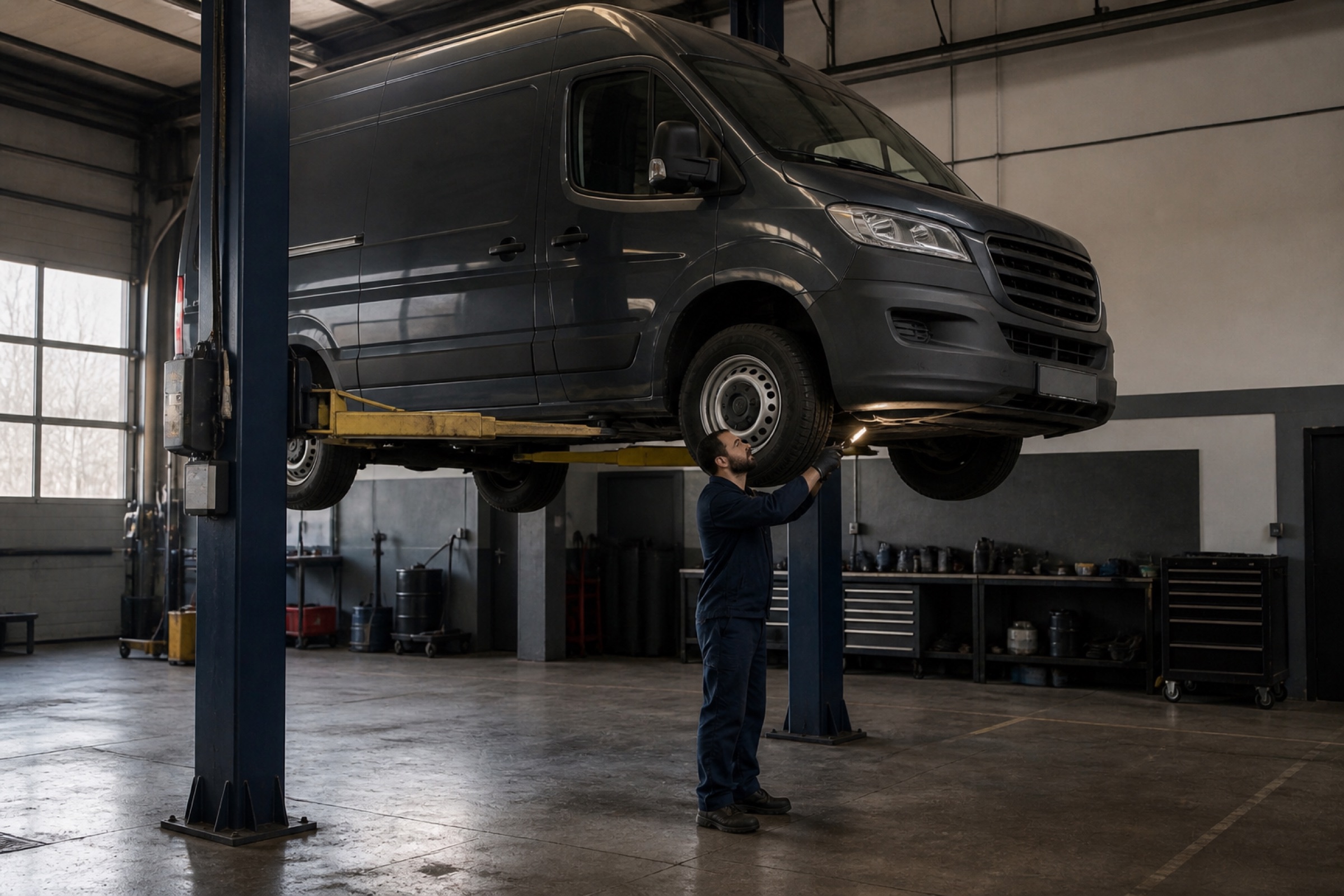
Mechanical repair for Amazon DSP fleets
DFS coordinates mechanical repairs so your team can plan around a clear shop response and expected return. A repair shop can inspect the van, or Roger can capture the problem from your fleet’s Slack channel. Nova Fora keeps the photos, work, and updates together.
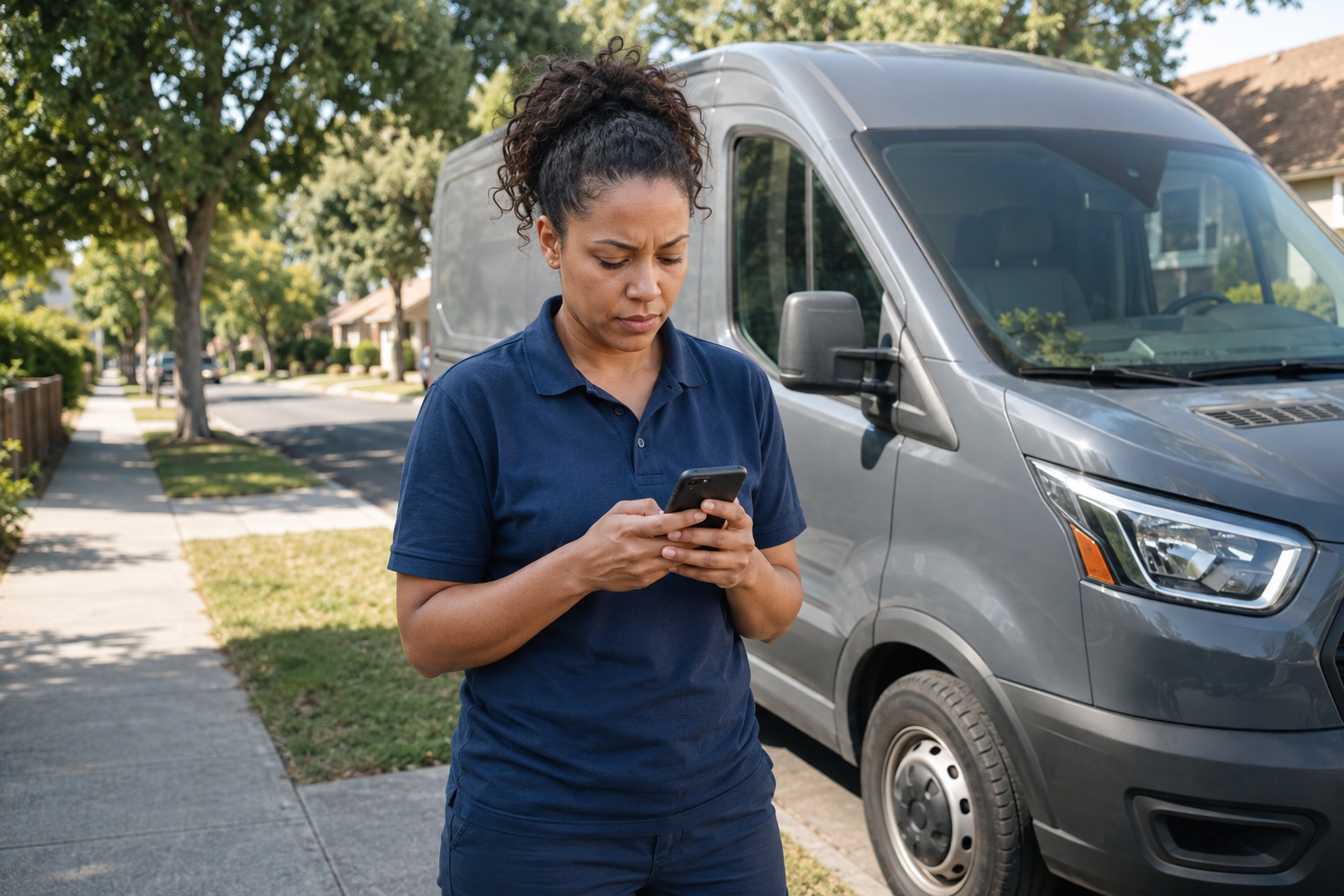
Marcus at Cedar Lane Delivery / A fictional fleet story
Halfway through her route, Tasha hears a grinding noise when she brakes. She stops in a safe place and reports it through Roger in the fleet’s Slack channel. Marcus, her fleet manager, arranges coverage for the remaining deliveries and keeps the van off the road pending assessment.
Roger captures the symptoms and van number. Marcus sends the repair record to Brookside Auto Service, a local shop in the Nova network. The shop accepts the work, and Marcus arranges for the van to be transported there.
The report says what Tasha heard. The shop’s inspection supplies the diagnosis: a failing brake caliper.
Read Tasha’s report below ↓A van number, a description, and a photo in your fleet’s Slack channel can become a repair record. Roger, our AI reporting bot, picks up the report, asks for missing details, and records it in Nova Fora so DFS and your fleet team can follow up.
Keep the original report, mileage, and photos together. Qualified defects are filed; reports that need review are passed to your team.
Your repair shop can inspect the van and document the work it needs. Roger captures the issues your team spots between inspections.
See Roger in actionRoger is included with Nova Basic.
Drivers, fleet managers, inspectors, and shops each see the information they need for their work. Everyone uses the same mobile website in English or Spanish. There is no app to install.
Shop staff or an authorized member of your fleet team can record findings, photos, and mileage. Drivers can also report a problem through Slack without completing a full inspection.
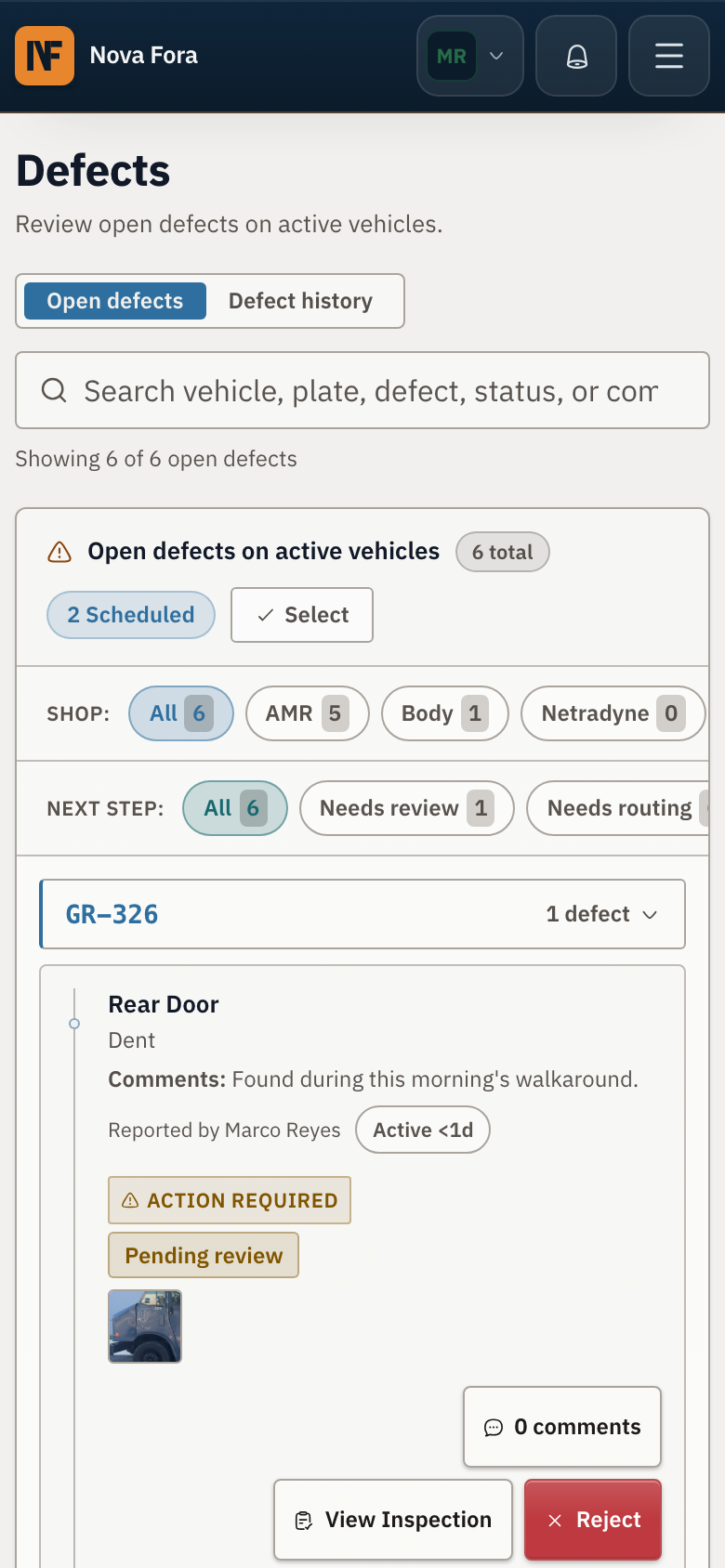
The finding shows the photo, reporter, vehicle, and repair details together. Roger captures reports from Slack and passes the details into Nova Fora for review.
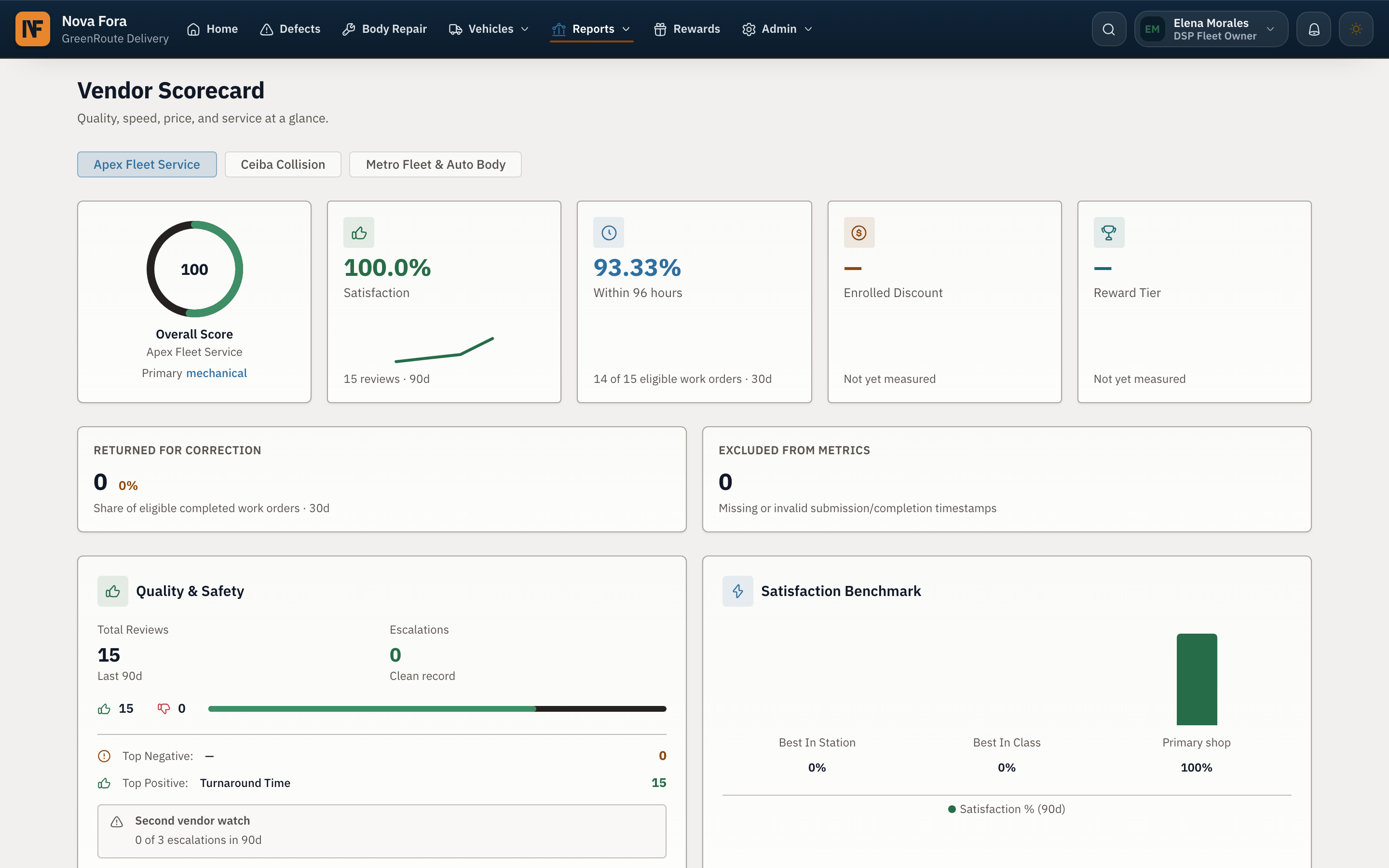
The fleet manager combines related mechanical items in one work order. The assigned shop receives the inspection details and photos with it.
The shop accepts and schedules the work or declines it with a reason. The fleet manager can see who needs to act next.
A RUSH flag identifies a route-critical van for the shop. The priority remains visible while the repair moves forward.
The shop adds repair details and completion photos to the work order. The DSP reviews that evidence before approving the job.
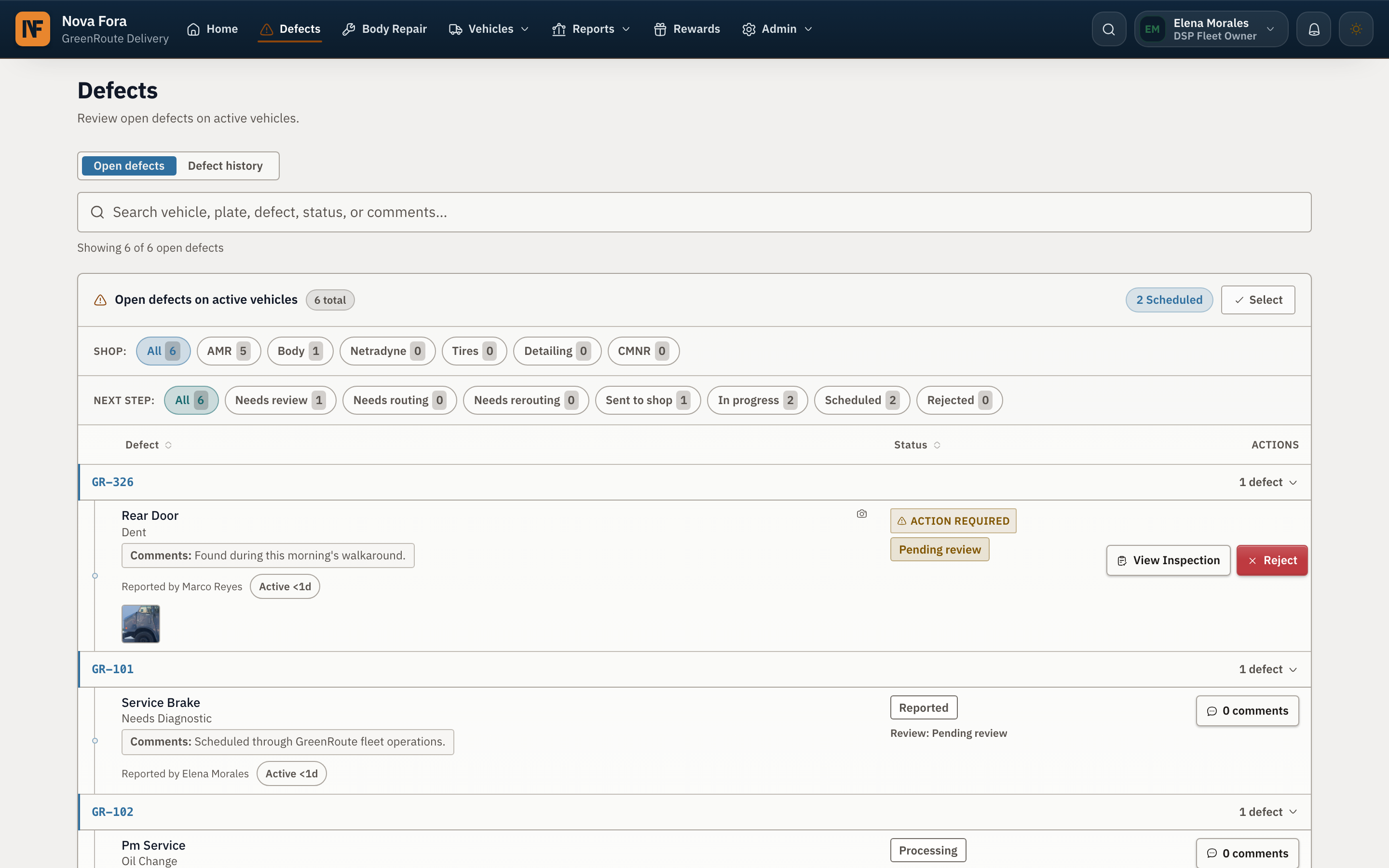
Nova Fora measures the percentage of each shop’s repairs completed within 96 hours. The scorecard also shows the shop’s overall score and performance tier.
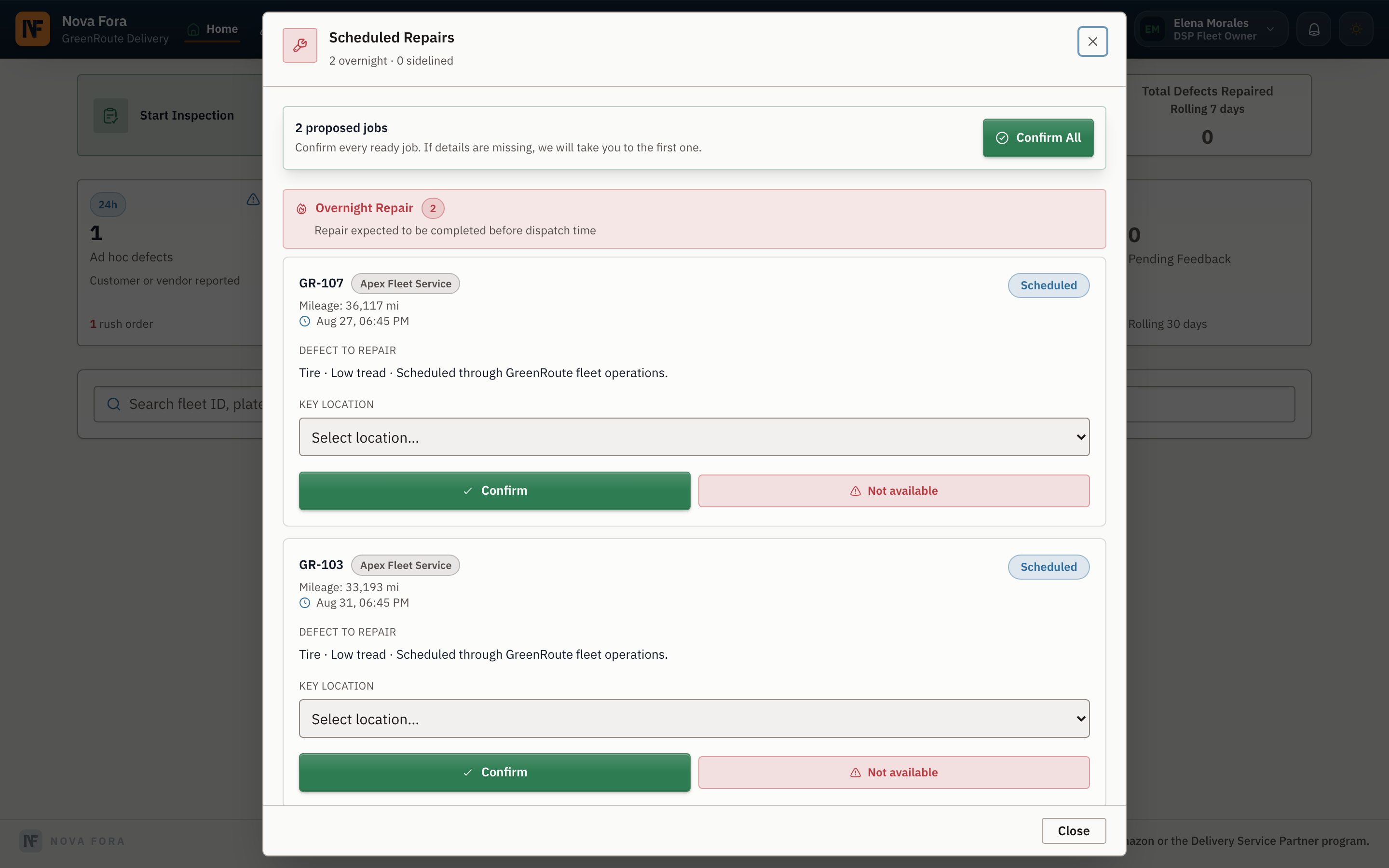 The fleet confirms every repair that is ready.
Repair queue
The repair queue shows which work is waiting for a response, accepted, underway, ready for completion evidence, or awaiting DSP approval. The fleet manager sees the full repair operation, while each shop sees its assigned work and files.
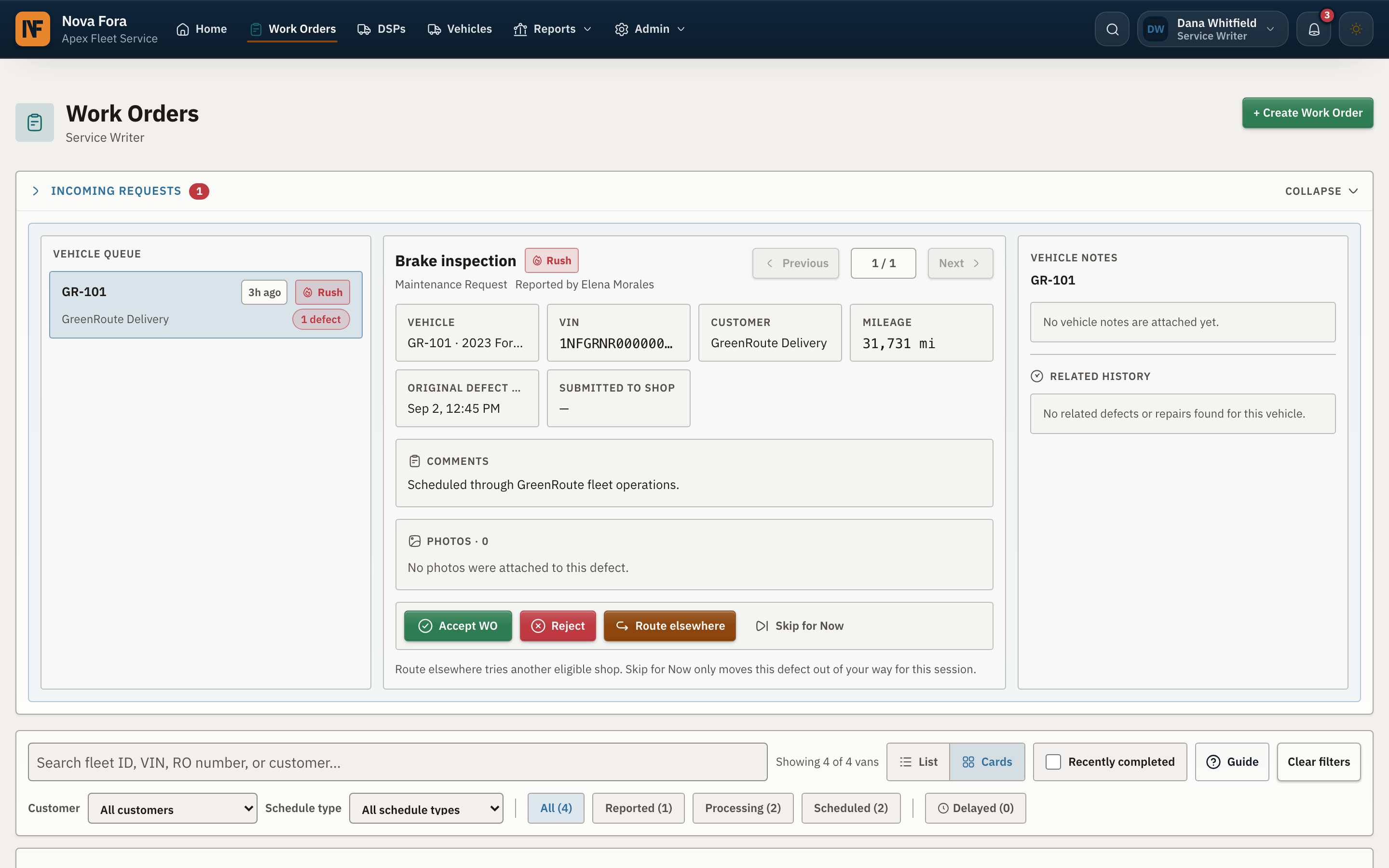
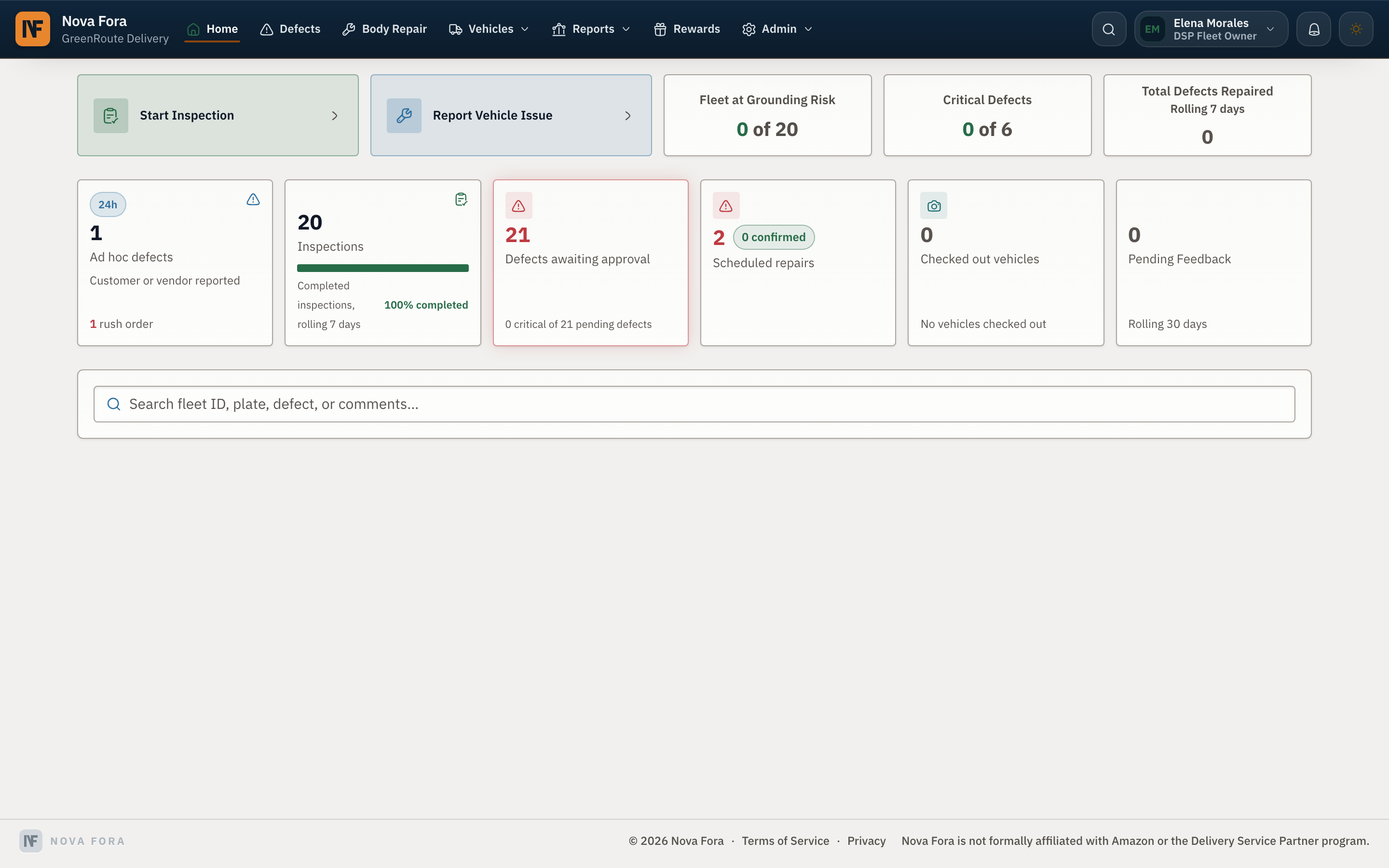
Marcus’s repair record / From report to return
Brookside confirms a failing caliper and explains the required repair. With the work approved and the part available, the shop replaces the caliper, checks the braking system, and documents the completed work.
Tasha’s report through Roger gives Marcus the symptoms, mileage, and van number. He arranges route coverage and transport to the local Nova network shop.
Brookside inspects the van, identifies the failing caliper, and confirms the repair and expected return with Marcus.
The shop completes its checks and records the repair. Marcus reviews the completion evidence, approves the job, and receives the van back for its next assignment.
Shop performance
Nova Fora tracks the share of mechanical repairs each shop completes within 96 hours. The scorecard also shows an overall score and performance tier, giving your team a consistent basis for future assignments.
You can see which shop completed each job and when it finished. That history helps you choose repair partners using actual fleet results.
Bring your fleet’s next mechanical repair into one clear workflow.
Talk to DFS about mechanical repairsMechanical tools included
Nova Basic includes the Nova Body workspace, DVIC+ inspections, work orders, repair status, Roger AI defect intake from Slack, and a curated repair partner, where available. DFS uses these tools to help your team follow a repair from the first report through completion.
Ask about Nova BasicThe plan costs $199 per month after the trial. You can cancel through the billing portal.
Mobile web in English and Spanish